Connect your channel once — then it runs hands-off

Upload Once. Grow Everywhere.

Connect your YouTube channel and every video you publish is automatically optimized — evidence-based SEO, click-worthy thumbnails, captioned short-form clips — then published everywhere. No editing, no busywork.

Free 6-video trial · cancel anytime · connect YouTube in one click
From upload to everywhere

Watch it happen, step by step.

One upload becomes SEO, thumbnails, captioned clips and posts across every platform — end to end in about five minutes.

1Upload

You upload. We notice.

Connect your channel once. Every new video you publish is detected automatically and enters the pipeline — no buttons, no waiting.

youtube.com/upload
Upload to YouTube
video.mp4
Uploading… 75%
✓ Detected — MonsterKong starts automatically
2Transcript

Every word, transcribed.

We generate a timestamped transcript of the whole video — even 2-hour interviews — so everything downstream is grounded in what you actually said.

transcript
00:00So the first thing most people get wrong is…
00:14…they never actually look at the data before they
00:31And that's exactly why this matters for you today.
01:02Let me show you the three steps we use.
3SEO

SEO that's researched, not guessed.

An evidence-based title, description, tags and chapter timestamps — written from the transcript, not a template.

seo
Title
The 3 Money Moves Nobody Tells You About
Description
The three moves that actually move the needle — with timestamps, sources and the tools mentioned in the video.
Timestamps
00:00 — The first move
01:02 — Where most people go wrong
04:18 — What to do instead
Hashtags
#investing#money#finance
SEO tags
investing tipsmoney movespersonal financewealth
4Thumbnails

Three thumbnails, ready to test.

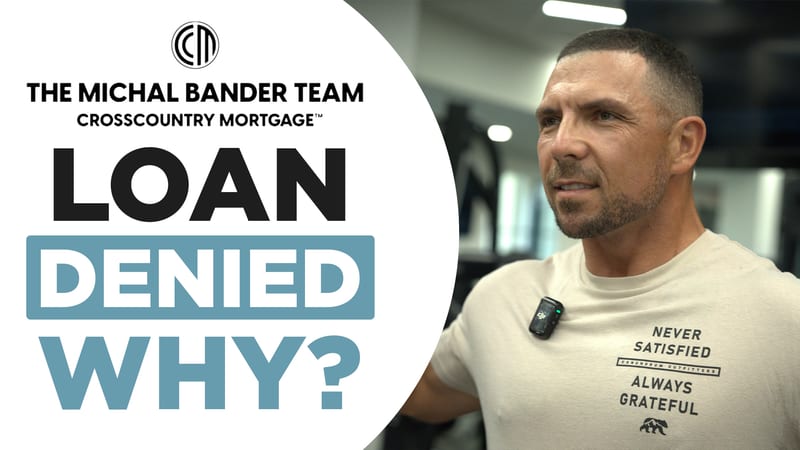
Click-worthy variants from your own reference photos and templates — even a full panel of guests. Don't love one? Redo it, edit it by hand, or push the winner straight to YouTube.
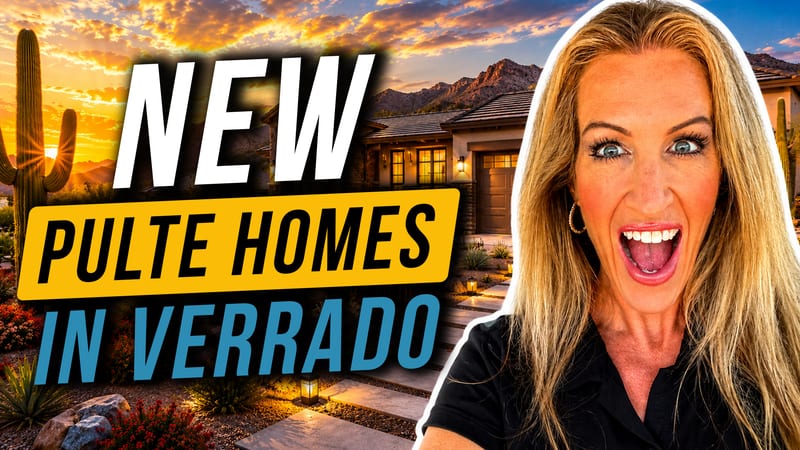
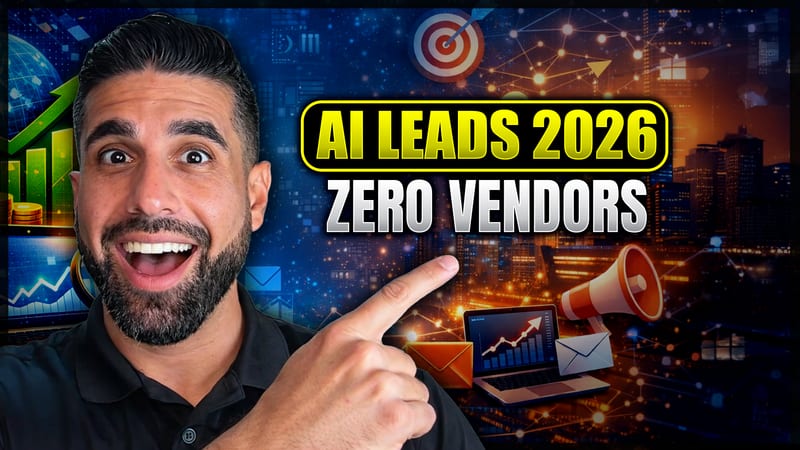
Thumbnail test3 variants · pick the winner
AI thumbnail variant 1
v1Redo · Set on YT
AI thumbnail variant 2
v2Redo · Set on YT
AI thumbnail variant 3
v3Redo · Set on YT
5Clips

3–5 short clips, auto-reframed.

We find the strongest moments and cut them vertical, tracking the speaker so they're always in frame. 9:16, 1:1, or 16:9.

6Captions

Word-level captions, burned in.

Every clip gets crisp, on-brand captions — and the full Clip Studio to trim, restyle, and edit word by word before you publish.

7Distribute

Published everywhere you want.

Push the SEO + thumbnail back to YouTube, fan each clip out to every social platform, and turn the episode into a podcast — all on your schedule.

YouTube
TikTok
Instagram
X
LinkedIn
Facebook
Podcast

Published to each platform on your schedule — automatically.

Everything included

Your whole content team, on autopilot.

One subscription replaces an SEO specialist, a thumbnail designer, a short-form editor and a social manager — working on every upload, in minutes.

Evidence-based SEO

Title, description, tags and chapter timestamps written from your actual transcript — not a template.

AI thumbnails

Click-worthy variants from your photos and templates — even a full panel of guests. Redo any, edit one by hand, or send the winner to YouTube.

AI video editor

Upload raw footage and it's cut like a pro — multi-camera angle switching, dead air removed, audio leveled and mastered.

Short-form clips

3–5 vertical clips auto-cut from the best moments, reframed to track the speaker. 9:16, 1:1 or 16:9.

Word-level captions

Crisp captions burned into every clip — fully editable word by word, with style presets and emphasis.

Publish & schedule

YouTube, TikTok, Reels, X, LinkedIn, Facebook and your podcast — published now, or queued to your publish windows per platform.

Bring your own keys

Connect your own Gemini key and run unlimited videos at cost — your pipeline, your billing.

Hands-off

Connect your channel once. Every new upload is detected and runs the whole pipeline on its own.

Video editor

Hand it raw. Get back a cut.

Upload multi-camera footage and the AI editor does a pro's job for you — cutting to whoever's talking, trimming dead air, and mastering the audio to broadcast levels. No timeline to touch.

Multicam angle-switchDead-air trim−14 LUFS masterEdits like an editor
video editor
Cam 1 LIVE
Cam 2
Cam 3
Cam 4
Editauto angle-switch
Cam 1
Cam 2
Cam 1
Cam 2
Audiomastered · −14 LUFS
Why automate

Replace a 6-hour edit. Or a $5,000/year video editor.

Time per video
Doing it yourself:4–6 hours
Podwave Studios:5 minutes (hands-off)
Thumbnail design
Doing it yourself:$30–$80 / each
Podwave Studios:3 variants included
Short-form clips
Doing it yourself:$50–$150 / batch
Podwave Studios:3–5 captioned clips
SEO research + write
Doing it yourself:1–2 hours
Podwave Studios:Instant, evidence-based
Word-level captions
Doing it yourself:$15–$40
Podwave Studios:Burned in, ready to post
Multi-platform reach
Doing it yourself:Manual or $500+/mo tool
Podwave Studios:Blotato handoff included
FAQ

Questions, answered.

What does Podwave Studios actually do?
We connect to your YouTube channel(s) and watch for new uploads. When you upload a new video, our pipeline automatically generates an SEO-optimized title, description, tags, and chapters, three thumbnail variants, and 3–5 short-form clips with word-level captions. Each clip opens in a full in-app Clip Studio where you can edit it and publish straight to YouTube or fan it out across TikTok, Reels, X, and LinkedIn. Everything lands in your dashboard within minutes.
Is there a video length limit?
Source videos up to 2 hours are fully supported — long interviews, podcasts, and webinars chunk and process automatically. Multi-hour livestream VODs beyond that are skipped. Most channels never hit the limit.
What kind of YouTuber is this for?
Creators who already know YouTube works for their business — coaches, course creators, agencies, established YouTubers, B2B brands — and want their channel to grow without burning hours on SEO and clip-making every week.
Can it publish for me?
Yes — when you're ready. From Clip Studio you publish a finished clip straight to YouTube with one click, or fan it out to TikTok, Reels, X, and LinkedIn via Blotato, and you can schedule publishes ahead of time. Nothing goes live automatically without your approval — you stay in control of what gets posted.
Can I edit what's generated before using it?
Always. The SEO text is copy-paste editable, thumbnails are downloadable, and every clip opens in Clip Studio — trim it, reorder, restyle the captions with per-word emphasis, switch the aspect ratio (9:16, 1:1, or 16:9), or regenerate the clip with a fresh hook before you publish.
Can I use my own AI keys?
Yes. Connect your own Gemini, ElevenLabs, fal.ai, or Apify keys in Settings → Integrations and the AI work runs on your own billing — which lifts the included-video limit so you can process unlimited videos at cost. Keys are encrypted at rest and never shared.
What is the AI Story Studio?
A separate tool that turns a topic, a link, or a script into a fully narrated, music-scored story video. Pick from 50+ visual styles (documentary, anime, cartoon, action, and more) and 6 narration tones — or let it choose at random. You can also put it on autopilot to generate and publish story videos on a recurring schedule. It runs on your own AI keys, so the output is yours and the compute is billed to you.
What if I upload more than 5 videos a month?
Two options: buy top-up credit packs anytime starting at $25 (credits never expire), or connect your own AI keys to process unlimited videos on your own billing.
What about TikTok, Reels, X?
Your clips come ready for any platform. We recommend Blotato to distribute them across TikTok, Reels, X, and LinkedIn from one place. Free trial available.
Do you have a referral program?
Yes — share your referral link from the dashboard and every time someone subscribes through it, you get a free month of your plan credited automatically. No cap on how many friends you refer.
Is my YouTube account safe?
We use Google's official OAuth — same security model as TubeBuddy, vidIQ, and other YouTube tools. We only ever read your video metadata and (optionally, in future) publish your approved assets. We never touch comments, channel settings, or anything else.
Can I cancel?
Anytime, no questions asked, via the Customer Portal in your dashboard.